McDVoice Survey: How to Complete McDonald’s Customer Survey Guide
McDVoice is McDonald’s receipt-based customer satisfaction survey used in the United States. Customers enter receipt information, rate the visit and receive a validation code for the offer printed on that receipt. Canadian customers should use the survey link on their receipt or McDonald’s Canada’s official feedback page.
Information checked: July 2026
Survey availability, rules, and rewards may vary by location. TheMcDonaldsMenu.com is an independent information website, not the official survey operator.
Before starting, keep the original receipt beside you and use the survey address shown there. Confirm the country, restaurant number, visit date, time, order number and total before typing. Complete the survey soon after the visit while details are fresh. A validation code normally belongs to the receipt’s printed offer, so do not discard the receipt, edit the code or assume it can be transferred to another account, app order or restaurant without checking the stated terms.
What Is McDVoice Survey?
McDVoice collects feedback about recent restaurant visits. Its current welcome page requests a 26-digit code printed in the middle of an eligible receipt. After completion, the customer receives a validation code for the exact offer shown on that receipt.
McDVoice is linked from McDonald’s United States. McDonald’s Canada currently sends customers to a separate Medallia-hosted survey through its official Contact Us page. Canadians should follow their receipt or the Canadian page.
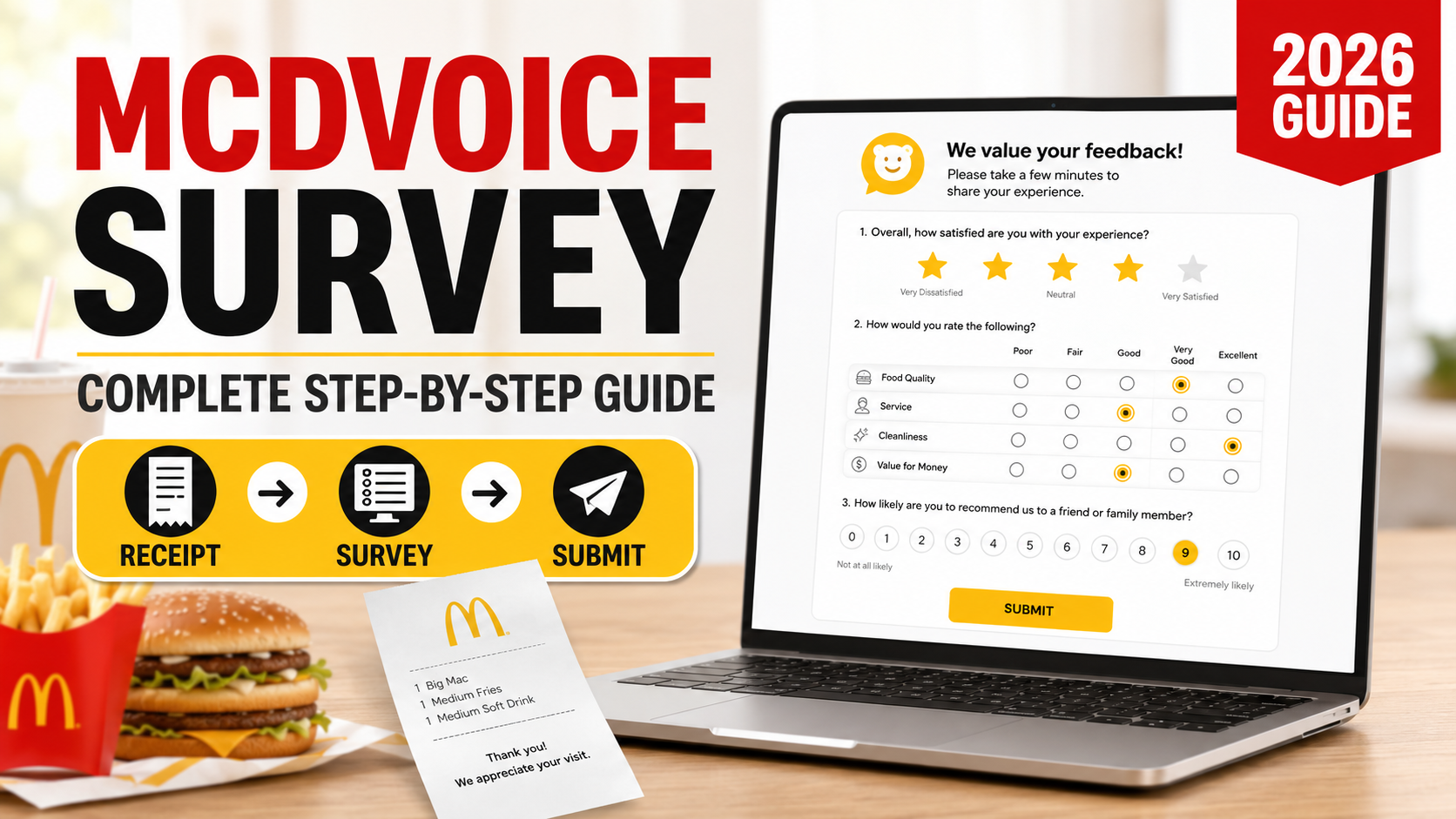
How to Complete McDVoice Survey Step by Step
Step 1: Open the Correct Survey
Use the address or QR code printed on the receipt. A U.S. receipt may direct you to McDVoice.com. A Canadian receipt may use the separate Canadian survey.
Step 2: Enter the Receipt Details
Type the 26-digit code exactly as printed. If no code appears, McDVoice’s alternative form requests the store number, KS number, visit date, time, order number and amount spent.
Step 3: Answer the Questions
Rate order accuracy, food quality, service speed, employee helpfulness, cleanliness and overall satisfaction.
Step 4: Review and Submit
Check that the answers describe the visit on the receipt, then submit. McDVoice currently allows up to five surveys per month per restaurant.
Step 5: Save the Validation Code
Write the code on the original receipt immediately. Read the printed offer’s conditions before redemption.
McDVoice Survey Requirements
You normally need an eligible receipt, its survey code or transaction details and internet access. Canadian requirements may differ because Canada uses another platform.
McDVoice Receipt Code Explained
The survey code identifies the transaction and restaurant. It is different from the order number and store number. McDonald’s explains that the restaurant number appears above the address on U.S. receipts, while the date, time, order number and total appear lower down.
McDVoice Validation Code: How It Works
The validation code confirms completion of an eligible survey and redeems only the offer printed on the receipt. It is not a universal coupon or guaranteed free item. Keep the receipt and follow its printed conditions.
McDonald’s Food for Thought Survey
Food for Thoughts is a separate McDonald’s feedback program associated with the United Kingdom and Republic of Ireland. It is not the Canadian name for McDVoice. Their rules should not be applied to Canada.
Canadian customers should use McDonald’s Canada’s official survey route. The McDonald’s Canada menu guide can help compare regular choices.
McDVoice Survey Rewards and Offers
The possible reward is stated on the eligible receipt. It may involve a free item with purchase, a discount or another offer. McDVoice confirms that answers do not affect whether the stated validation offer is issued.
Common Problems When Taking McDVoice Survey
- Invalid code: Re-enter every digit and confirm the receipt directs you to McDVoice.
- Missing code: Use the alternative transaction-detail form when offered.
- Expired receipt: Follow the deadline printed on the receipt; the current welcome page publishes no universal validity period.
- Wrong country: Canadian receipts may require the Canadian Medallia survey.
- Website error: Refresh, enable cookies, try another browser or return later.
For unresolved Canadian feedback, McDonald’s Canada provides an online contact form.
Frequently Asked Questions
McDVoice helps eligible U.S. customers submit restaurant feedback and receive the validation code attached to their receipt offer. Canadian customers should use the official Canadian survey route. Enter details accurately, answer honestly and review redemption conditions.